> For the complete documentation index, see [llms.txt](https://docs.p4.software/llms.txt). Markdown versions of documentation pages are available by appending `.md` to page URLs; this page is available as [Markdown](https://docs.p4.software/p4-books-spanish/guia-rapida/periodos-contables.md).
# Períodos contables
Contabilidad en la nube P4Books
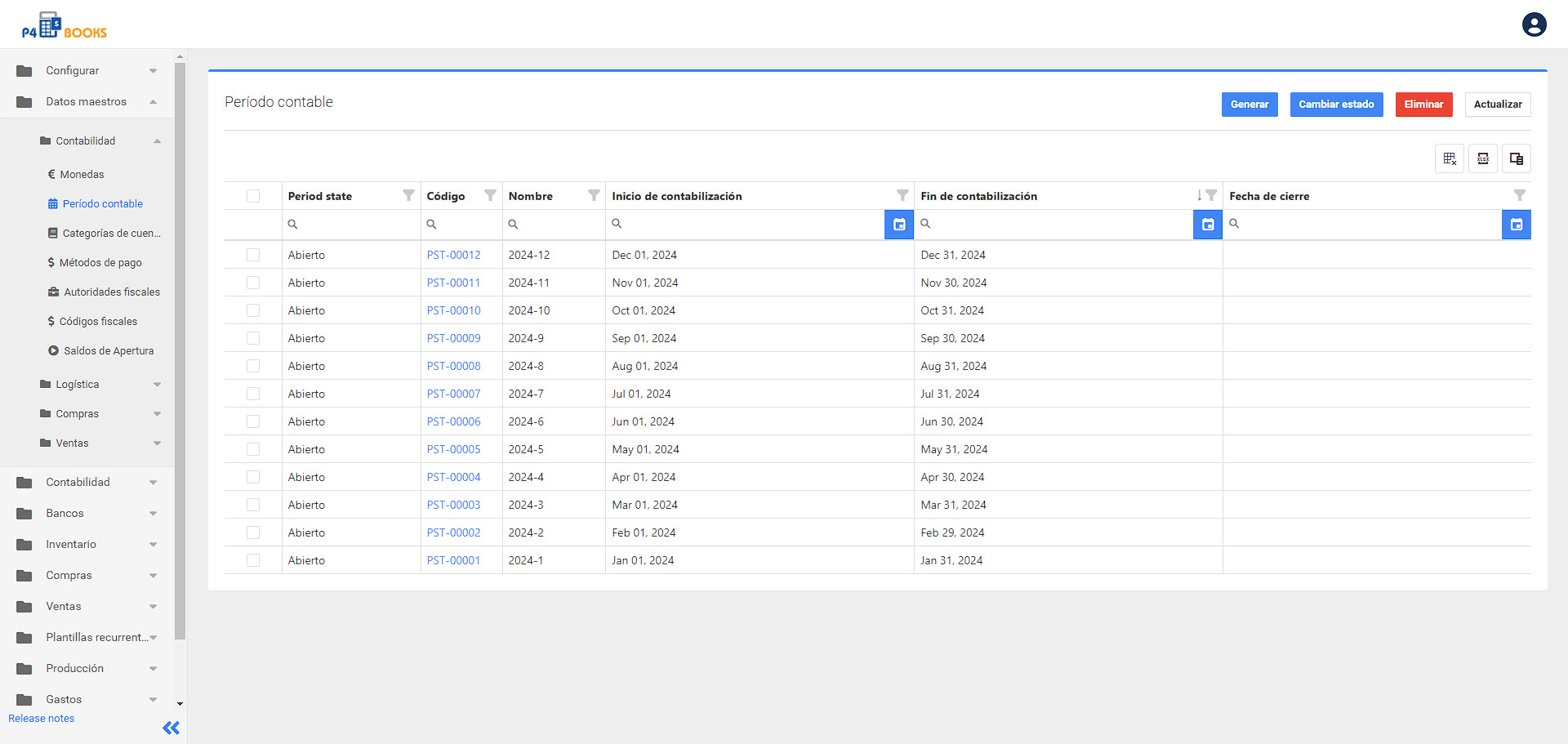
Una vez en la pantalla de configuración del período contable, haga clic en el botón denominado **Generate**.
P4 Books Generate Posting periods
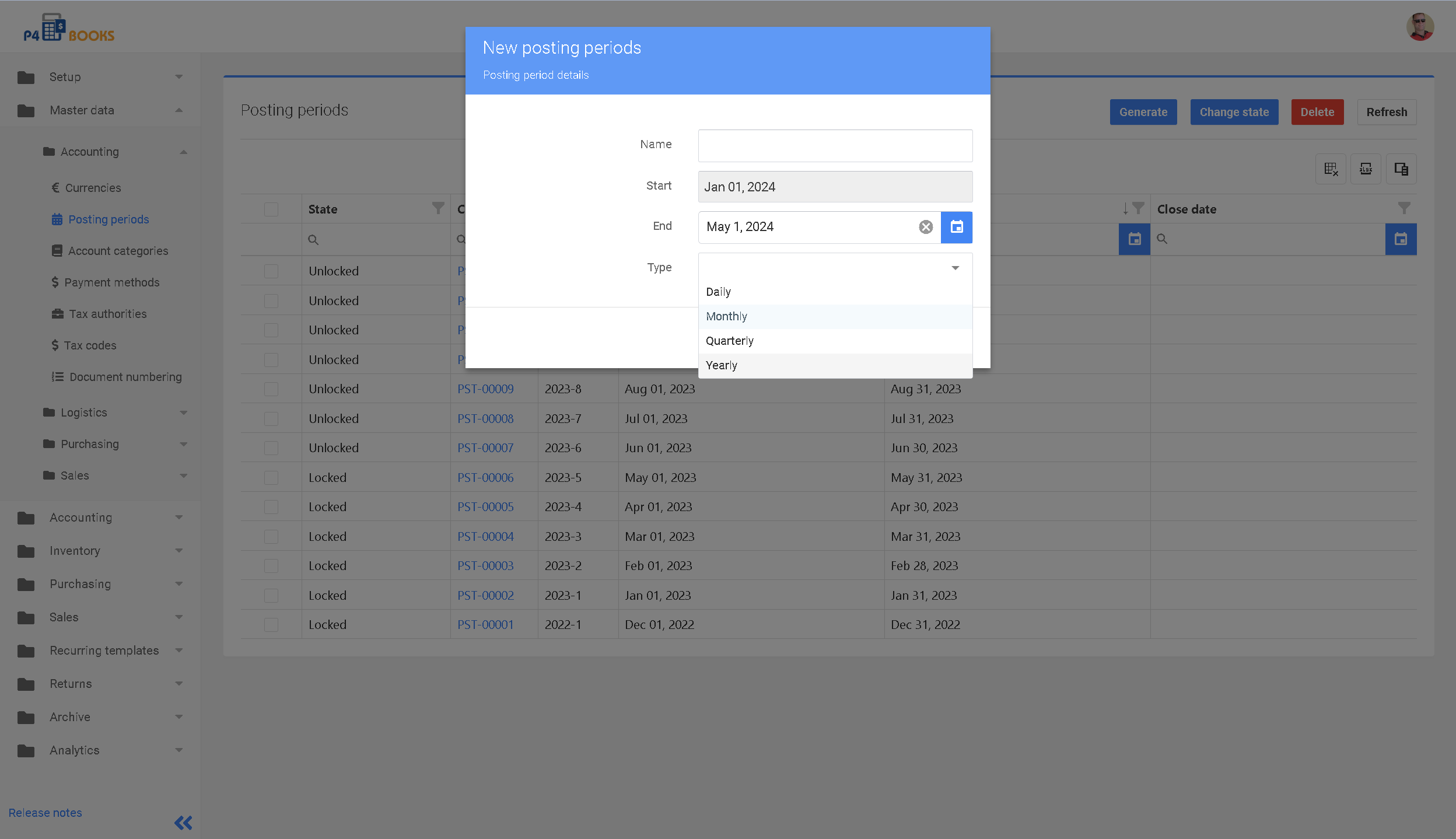
En esta pantalla puede introducir el nombre (2023), la fecha de inicio, la fecha final y el tipo. Una vez completados los datos, haga clic en el botón Enviar para crear los periodos contables de P4 Books.
{% hint style="danger" %}
Una vez bloqueado un período contable, las transacciones no pueden contabilizarse en el mismo, a menos que el período sea desbloqueado por su equipo de contabilidad.
{% endhint %}
***
**Siguiente:** [Autoridad fiscal](/p4-books-spanish/guia-rapida/autoridad-fiscal.md)